Research teams rarely struggle because there are too few digital tools. They struggle because the tools do not always connect: references sit in one application, manuscripts in another, tasks in a spreadsheet, conversations in a messaging group and potential collaborators somewhere else entirely.
The best research collaboration tools are not necessarily the platforms claiming to do everything. They are the tools that solve a genuine research problem and fit together without creating more administrative work.
This guide compares the main categories of research collaboration software, explains what each is best for and shows where a research-specific platform such as RCX fits into a practical academic workflow.
Start with the research task, not the software
A typical research project involves several distinct stages: finding a question, reviewing evidence, recruiting collaborators, managing work, writing the output and sharing the results.
No single tool is equally strong at every stage. Before choosing a platform, ask:
- Are we trying to discover research papers or discover researchers?
- Do we need reference management, collaborative writing or project coordination?
- Is this an individual project, a small team or a multi-institution collaboration?
- Do contributors already use the platform?
- Does the tool support appropriate institutional data governance?
Matching software to the actual job prevents a familiar mistake: adopting a sophisticated platform that nobody uses.
Zotero: best for shared references and bibliographies
Zotero helps researchers collect, organise, cite and share research sources. Group libraries are especially useful when several people need access to the same literature base during a systematic review, audit, dissertation or manuscript.
Best for: Reference management, shared bibliographies and organising papers.
Less suited to: Finding new research collaborators, advertising open project roles or managing the entire collaboration lifecycle.
For many teams, Zotero is a foundational tool rather than a replacement for a research project workspace.
Overleaf: best for collaborative LaTeX manuscript writing
Overleaf is designed for collaborative writing and document preparation in LaTeX. Its collaboration features include project sharing, commenting and review functionality, subject to the relevant plan and permissions.
Best for: Technical manuscripts, equations, structured documents and research teams already comfortable with LaTeX.
Less suited to: Recruiting project contributors, managing research opportunities or replacing a broader team-coordination platform.
For medical teams that write primarily in Word, a shared institutional Microsoft 365 or Google Workspace environment may be more practical. The best writing tool is the one that matches the team’s publishing workflow.
Notion, Trello and Asana: best for general project management
General productivity platforms can help research teams create task lists, plan deadlines, organise notes and monitor project progress.
Notion works well for flexible documentation and shared knowledge bases. Trello offers a visual board-based approach that suits straightforward task tracking. Asana is useful when teams need more structured project ownership and deadline management.
Best for: Tasks, project visibility, internal documentation and general collaboration.
Less suited to: Identifying research-specific collaborators, matching people to academic projects or connecting research opportunities to dissemination.
These tools can still be excellent components of an academic workflow. Their main limitation is that they are designed for broad workplace collaboration, so teams often need to customise them around research roles, authorship and scholarly outputs.
ResearchGate: best for academic networking and publication visibility
ResearchGate helps researchers share publications, follow scientific communities and connect with other academics. It can be a useful way to identify authors working on relevant topics and understand the broader research landscape.
Best for: Academic profiles, publication visibility and exploring existing research communities.
Less suited to: Structured project recruitment, day-to-day task ownership or a complete research-team workflow.
A publication-led network answers “Who has worked in this field?” A project-led collaboration platform adds another question: “Who is available and what can we build together now?”
PubMed and Semantic Scholar: best for literature discovery
PubMed is particularly useful for biomedical literature, author searches and identifying active clinical research teams. Semantic Scholar uses AI-assisted search and discovery to help researchers find relevant scholarly literature.
Best for: Identifying papers, research topics, active authors and citation relationships.
Less suited to: Directly managing a project or providing a complete collaboration workspace.
Literature discovery is often the starting point for collaboration. It becomes more powerful when researchers can then move from reading relevant work to contacting suitable contributors and joining active projects.
RCX: best for researcher matching and project opportunities
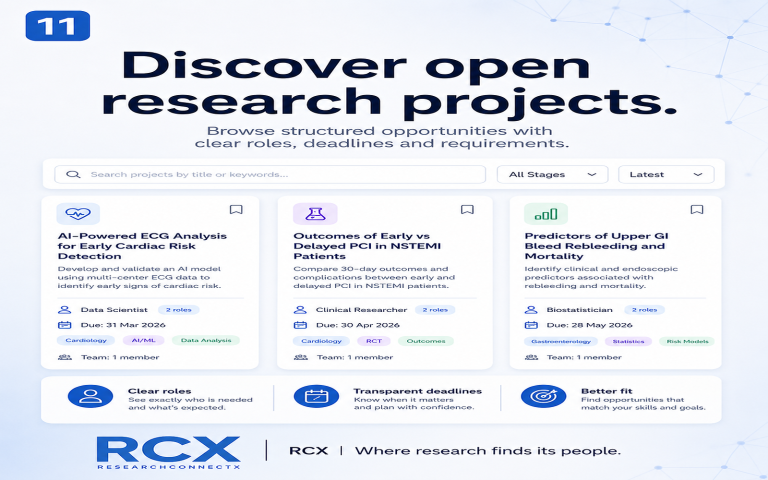
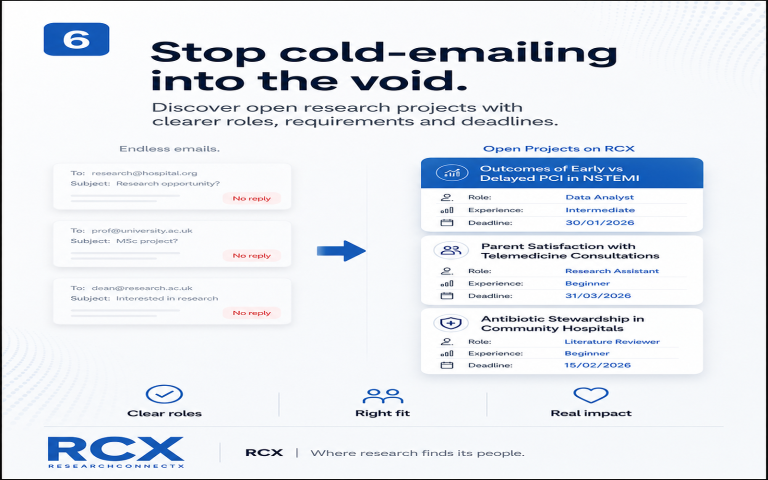
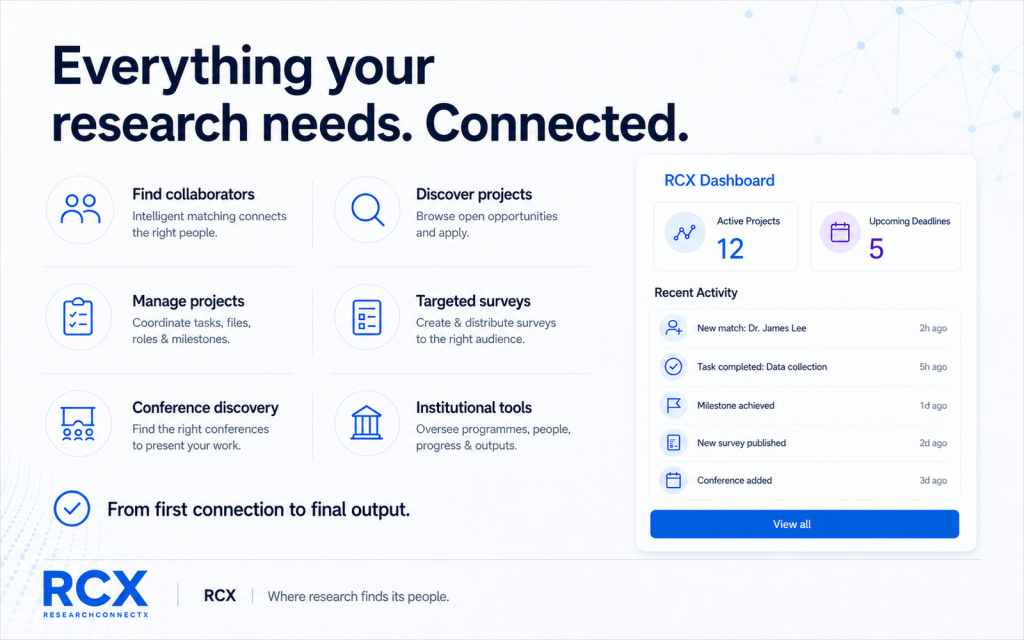
ResearchConnectX focuses on the gaps between traditional academic tools: identifying relevant collaborators, discovering open projects and organising the work after a team forms.
Its AI-assisted matching considers research interests, publications, methods and skills to surface researchers and opportunities that may be relevant. Open-project listings help make roles and research opportunities visible, while project workspaces support tasks, ownership, deadlines, files and milestones.
Best for: Researcher and project discovery, research-specific collaboration, team coordination and identifying relevant dissemination opportunities.
Less suited to: Replacing a specialist reference manager, a dedicated LaTeX editor or an organisation’s approved clinical-data infrastructure.
That distinction is important. RCX is not presented as the best reference-management tool or manuscript editor. Its value is connecting research discovery, collaboration and management in a coherent research-team layer.
Research collaboration tools at a glance
| Tool or category | Strongest use | Most useful for | Main limitation |
| Zotero | Shared references and citation management | Reviews, dissertations and manuscript teams | Not designed around recruiting research collaborators |
| Overleaf | Collaborative LaTeX writing | Technical or LaTeX-based manuscripts | Not a complete research-discovery or team-management platform |
| Notion | Flexible documentation and knowledge bases | Teams wanting customisable project notes | Requires manual setup around research workflows |
| Trello / Asana | Task tracking and deadline ownership | General project management and delivery | Limited research-specific discovery and academic matching |
| ResearchGate | Academic profiles and research visibility | Networking and identifying published researchers | Does not replace a dedicated project workspace |
| PubMed / Semantic Scholar | Literature and author discovery | Evidence reviews and finding active research areas | Focused on papers rather than end-to-end collaboration |
| RCX | Researcher matching, open projects and team workspaces | Researchers moving from discovery to collaboration and delivery | Complements rather than replaces specialist citation and writing tools |
Suggested research-tool stacks by user type
Medical student starting research
Use PubMed to understand the literature, Zotero to organise references, RCX to find active projects and collaborators, and your institution’s approved writing tools for manuscript development.
The priority is not to build an elaborate software stack. It is to find a credible project, contribute reliably and learn how research teams work.
Clinical researcher managing several projects
Combine a shared reference manager, an institutionally approved writing environment and an RCX workspace for collaborator matching, task ownership and project milestones.
This separates specialist functions while reducing the number of places where crucial project information disappears.
Principal investigator building a multidisciplinary team
Use literature databases to map expertise, RCX to identify relevant researchers and advertise project roles, and specialist writing or reference tools as required by the study.
For larger studies, confirm governance arrangements, data permissions and institutional policies before deciding where any research information can be stored.
Research institution coordinating departments
Institutional research teams may need visibility across projects, researchers, outputs and collaboration opportunities. RCX’s institutional services are designed around research activity and team coordination, while approved institutional systems should continue to manage sensitive or regulated data where required.
What makes research project management software genuinely useful?
Useful research project management software reduces friction at the points where academic work commonly stalls: finding the right people, allocating tasks, clarifying expectations and tracking progress.
Look for clear ownership, visible deadlines, simple onboarding, appropriate access controls, easy communication and a realistic fit with your team’s existing habits. A tool with fewer features that everyone uses is more valuable than a comprehensive system nobody updates.
The real goal: connect the research workflow
The strongest research stack recognises that specialist tools are valuable. Zotero can manage references. Overleaf can support collaborative writing. PubMed can help identify relevant evidence.
RCX connects the stages that are usually fragmented: discover → match → collaborate → manage → present or publish.
For researchers who are tired of switching between disconnected networks, task lists and messaging threads, that connected research-team layer can be the difference between a promising idea and a project that actually reaches completion.
Explore how RCX supports research teams or create your researcher profile.
Related reading: Project management designed for research teams and how AI can support journal and conference discovery.
Frequently asked questions
What are the best research collaboration tools?
The best choice depends on the task. Zotero supports references, Overleaf supports collaborative LaTeX writing, PubMed and Semantic Scholar support literature discovery, general project tools support task tracking, and RCX connects researcher matching, project opportunities and research-team coordination.
Can one platform manage the whole research process?
A research-specific platform can connect major stages of collaboration, but most teams still benefit from specialist reference managers, writing tools and approved institutional systems for sensitive data.
What is the difference between academic networking and research collaboration software?
Academic networking helps researchers discover people and publications. Research collaboration software also supports active opportunities, defined roles, communication, task ownership and project delivery.